
A letter from Santa with your child’s name is a simple way to make the wait for Christmas more exciting. Type the name and the page builds a warm letter addressed to your child personally. The tool is free and needs no sign-up. The text suits boys and girls, toddlers and school children alike.
Here is how it works: enter your child’s name, add one or two lines about what you are proud of if you like (for example, “helps mum bake cookies”), check the preview and press the button. The letter is printed on A4 paper or saved as a PDF, so you can print it later or send it to someone with a printer. If you have several children, add the next name — each child gets a separate sheet.
The name and your lines stay in your browser only: we do not receive, store or send them anywhere, and they disappear when you reload the page. You can put the finished letter in an envelope, leave it under the pillow in the morning, pin it to the nursery door or read it aloud by the light of an advent candle. Christmas gift ideas follow at the end of the page.
The name and lines stay in your browser only: we never receive or store them. They disappear when you reload the page.
Enter at least one child’s name.
How to save a PDF
On a computer: in the print window choose “Save as PDF” as the printer and A4 paper. On iPhone: Share → Print, then pinch out on the preview and choose Share → Save to Files. One sheet is one letter.
Preview
My child now
Enter a birth date and the page shows what usually happens at this age: the developmental stage, today’s sleep and three play ideas. Your data stays in your browser.
Open the pageChristmas gifts
See all giftsTo arrive by Christmas, pay for your order by 3 December
moi mili
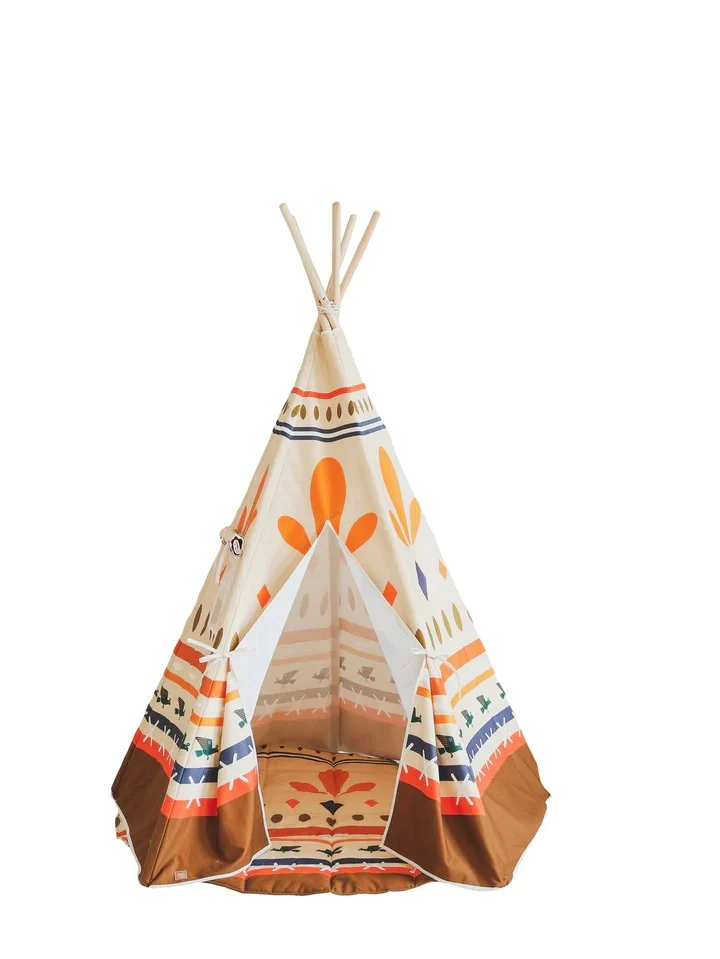
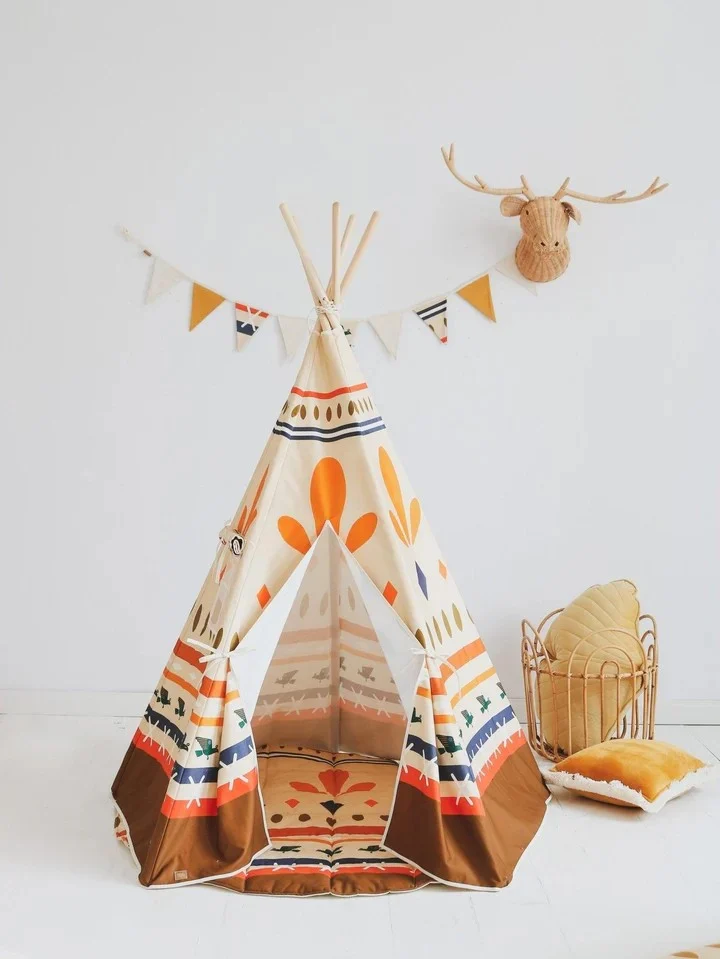
Native Vibe — Teepee Tent with Mat
251 €
BusyKids
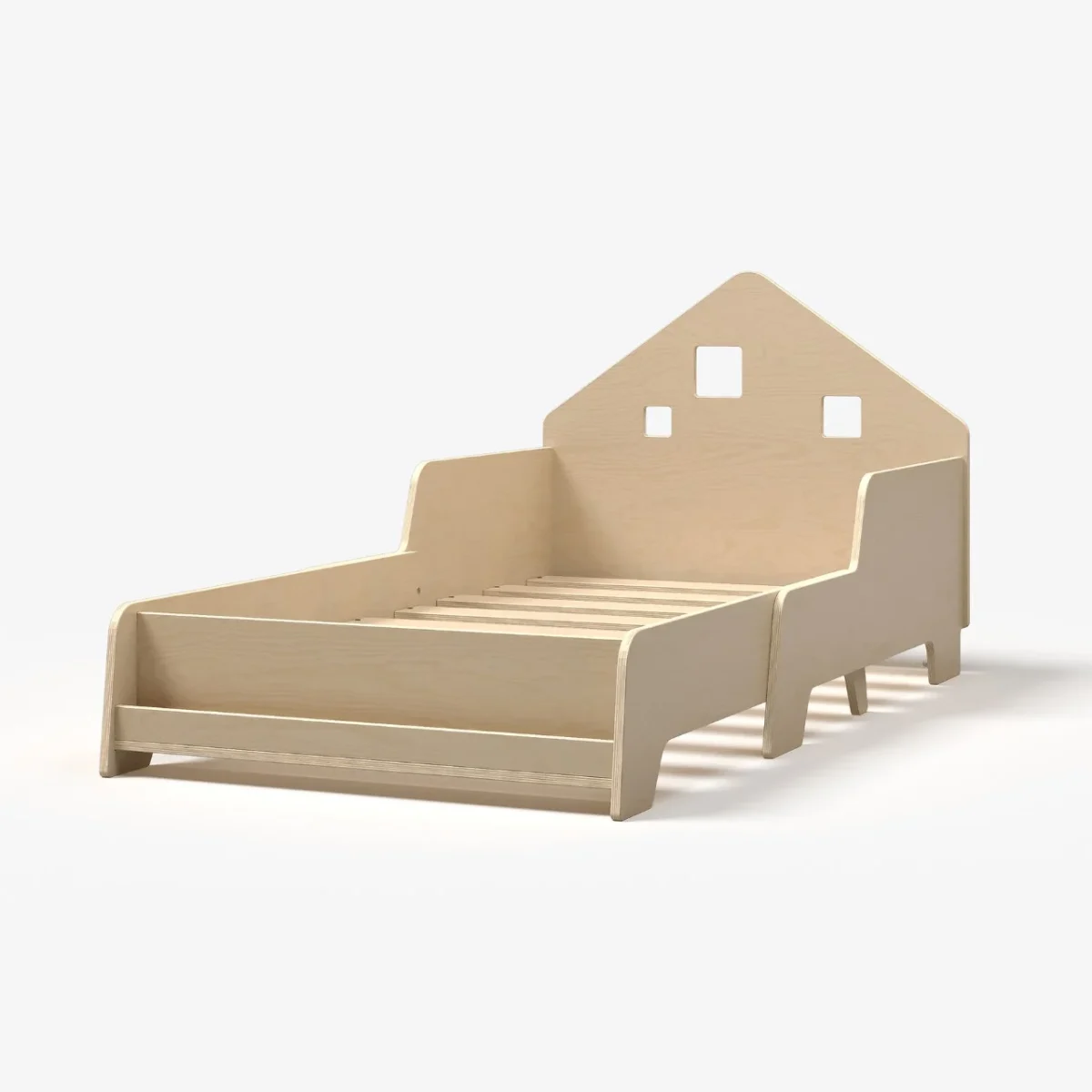
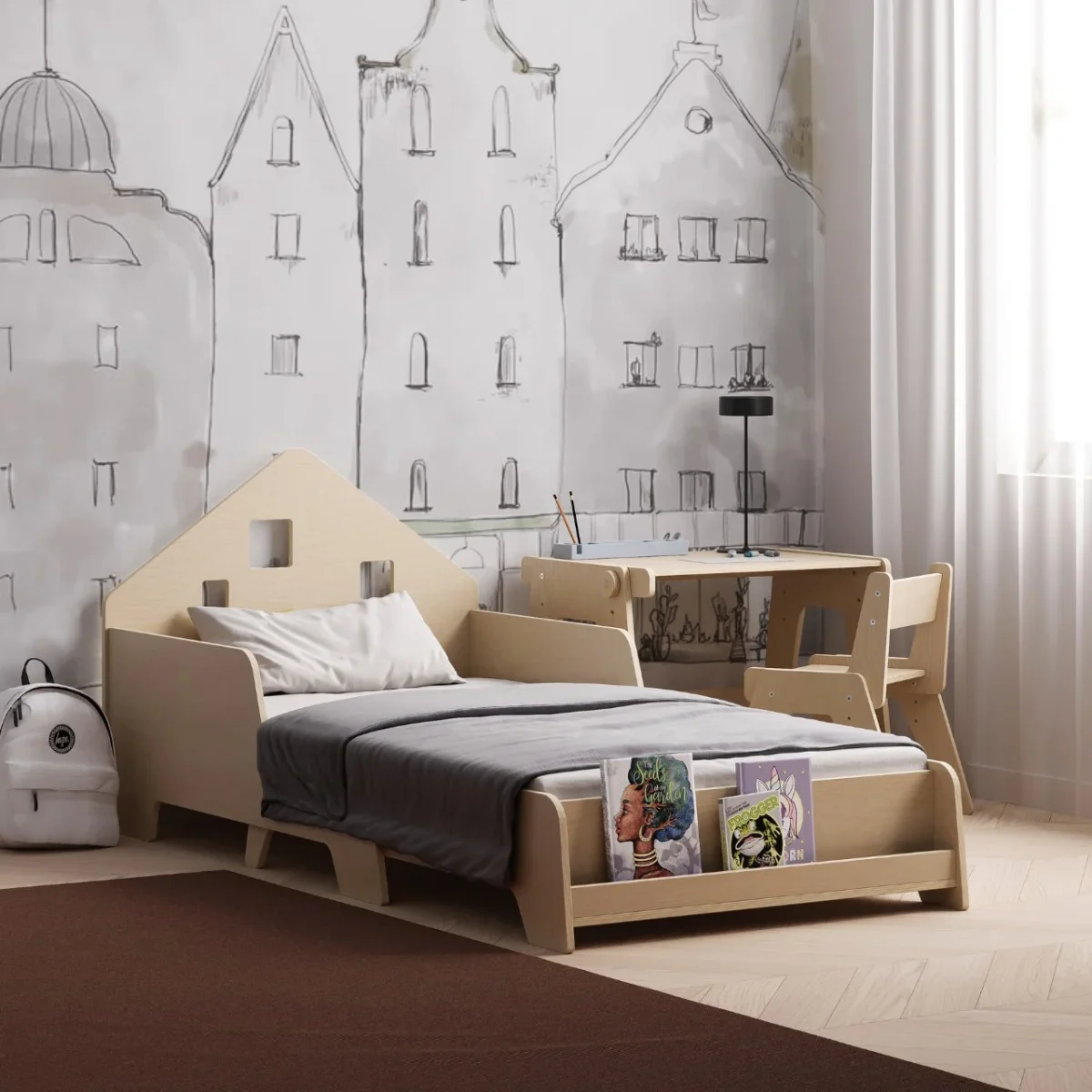
Extendable House Bed with Bookshelf and LED Light
340 €
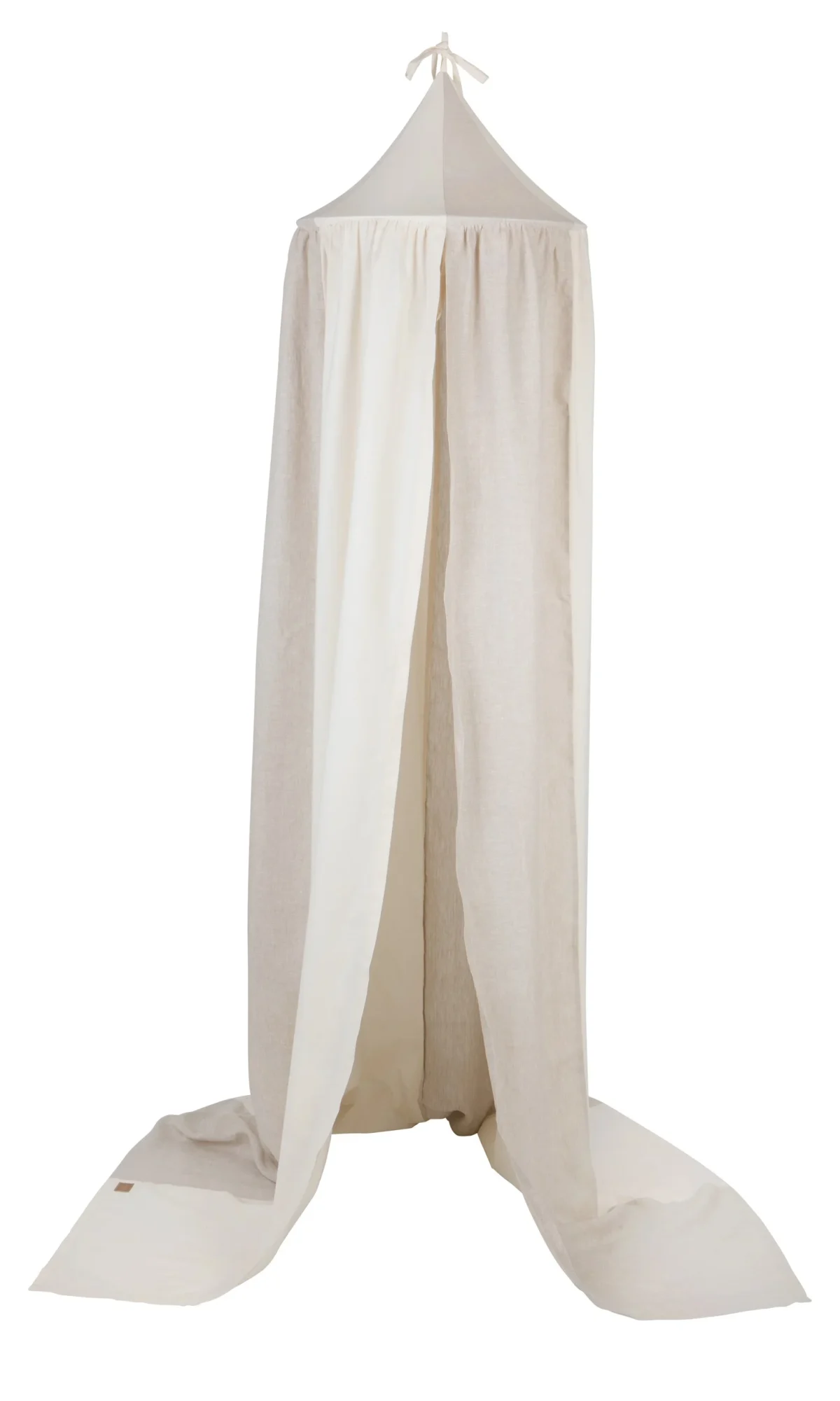
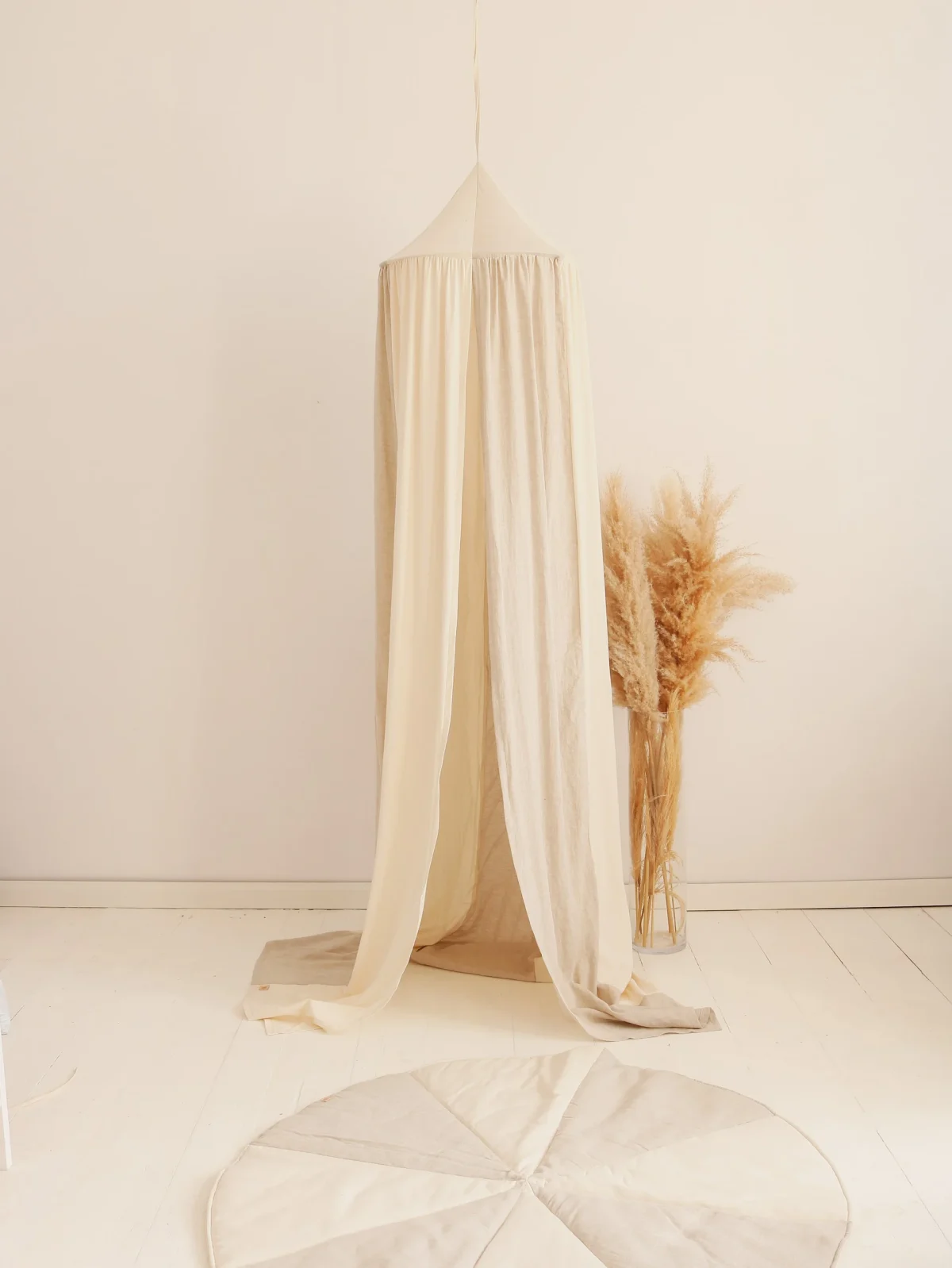
moi mili
Cotton and Linen Crib Canopy with 50 cm Hoop
180 €
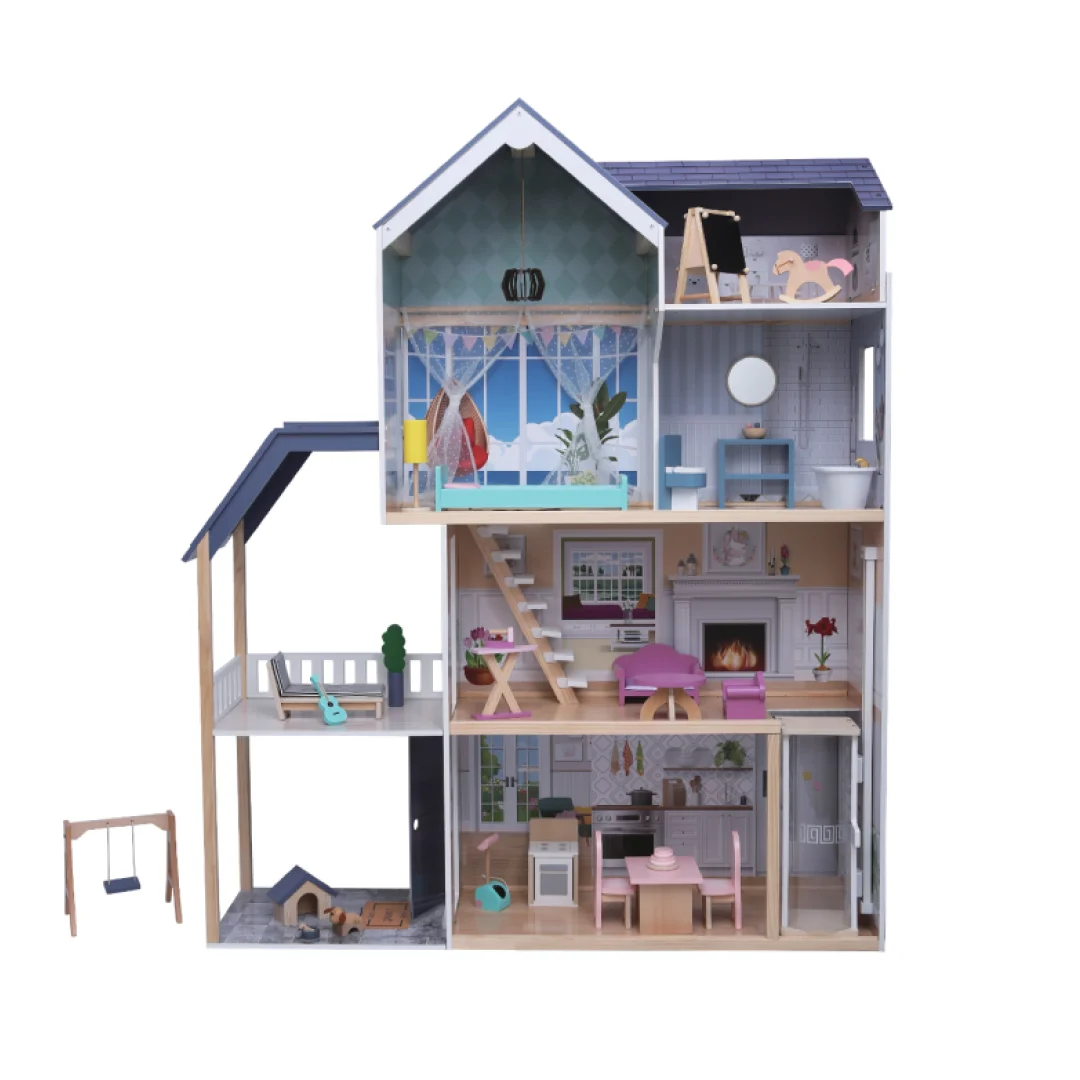
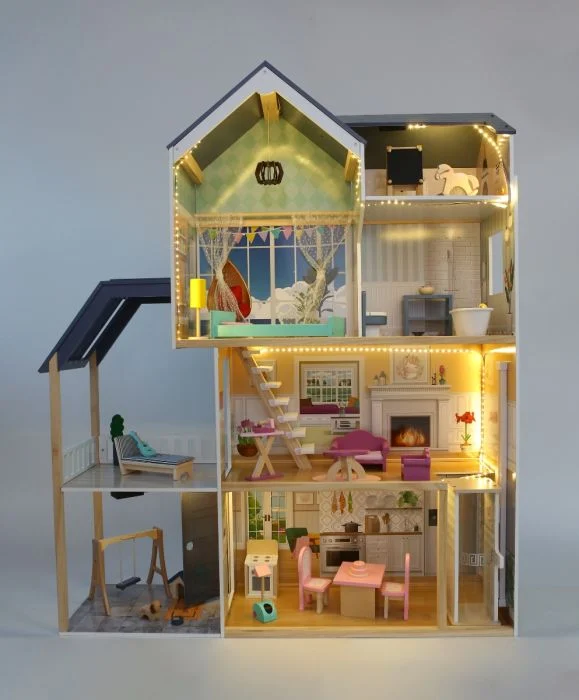
Gerardo's Toys
Gerardo’s Toys Crystal — Wooden Dollhouse, 4 Floors and Attic, LED
253 €
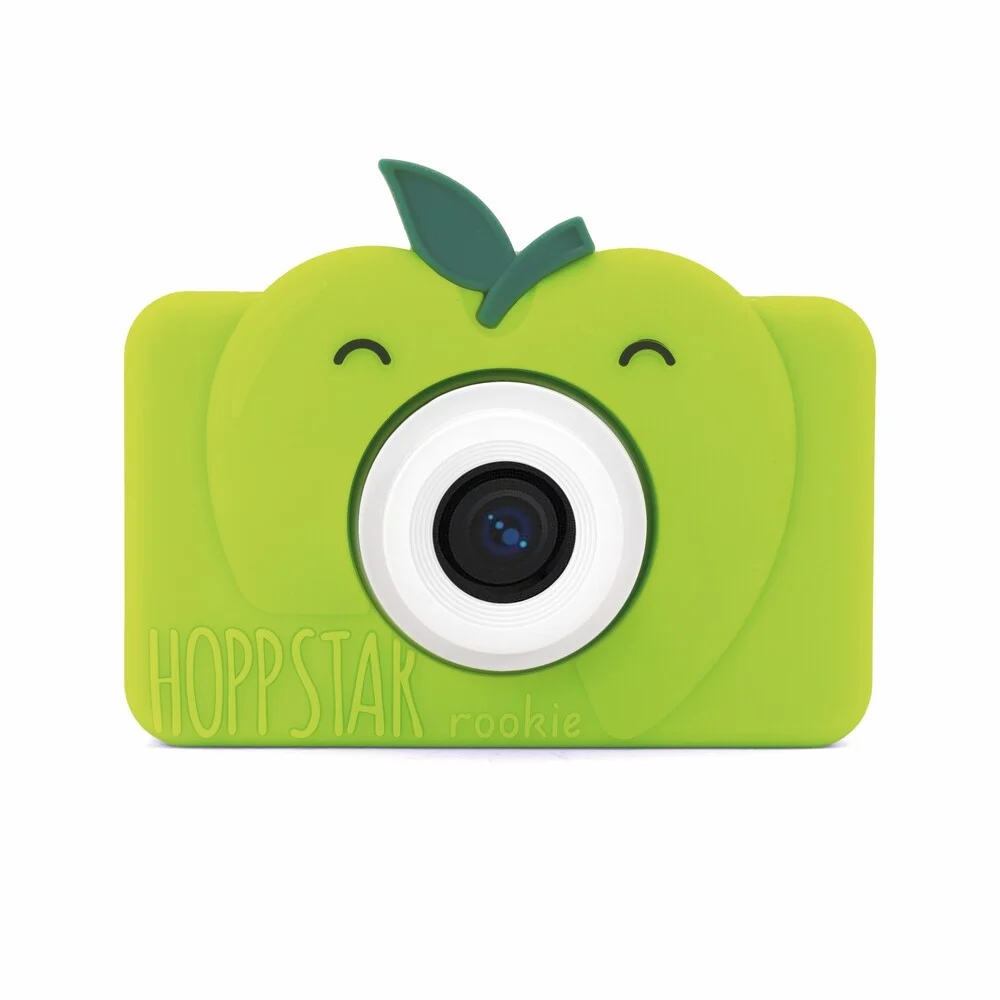
Hoppstar
Rookie — Kids Camera
69 €+3
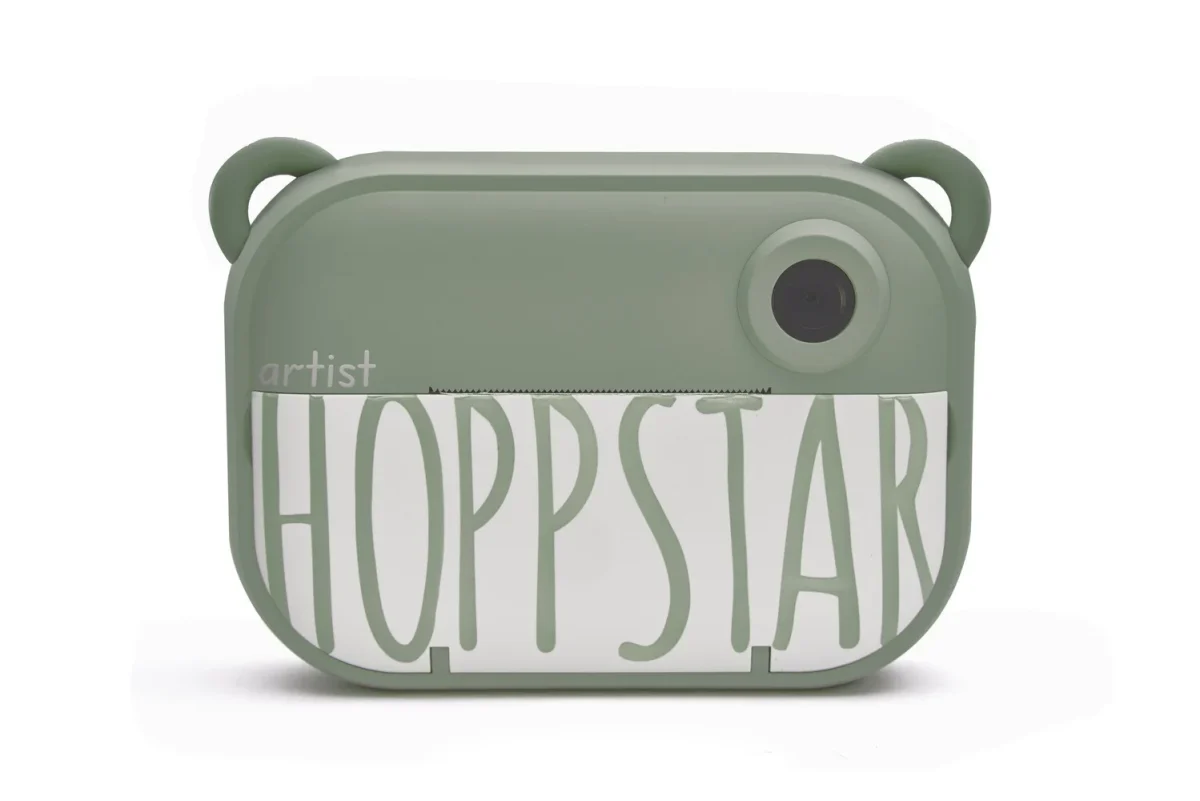
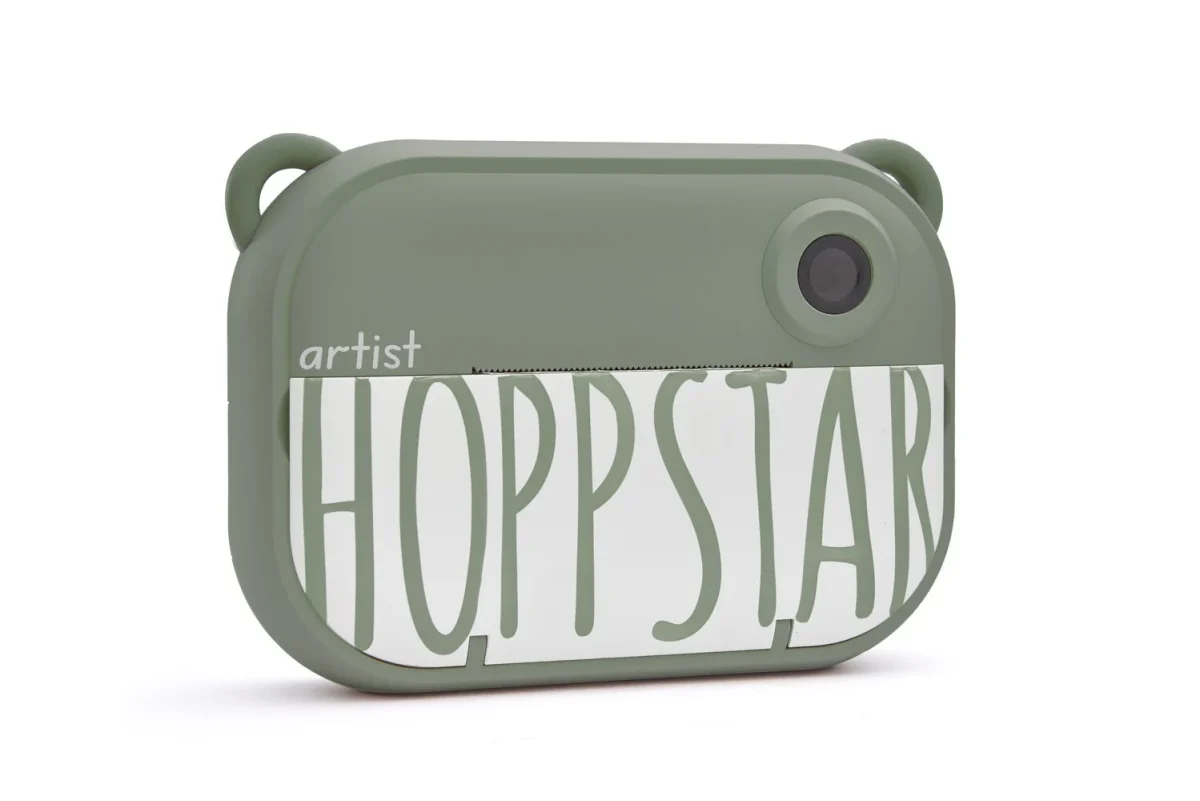
Hoppstar
Artist — Kids Camera
118 €
Frequently asked questions
How do I print the letter or save it as a PDF?
On a computer, choose “Save as PDF” as the printer in the print window and A4 as the paper size. On iPhone, tap Share → Print, pinch out on the preview and choose Share → Save to Files. One sheet is one letter, so several children mean several sheets.
Is my child’s name stored anywhere?
No. The name and lines you type stay in your browser only: the page does not send them to us or to third parties and does not write them to cookies or browser storage. After a reload the fields are empty, so enter the name again for a new letter.
Can I make letters for more than one child?
Yes. Use the “Add another child” button to add up to eight names; each child gets a separate A4 sheet with their own name. You can add separate praise lines for each child so that the letters do not repeat each other.
What does the letter say?
It opens with your child’s name, adds a few warm sentences, your own praise lines if you wish, and a signature from Santa. The text suits children of any age who enjoy waiting for Christmas. A small leolakids.ee mark sits at the bottom of the sheet.